

Voice of Customer Intelligence that drives decisions
Understand what customers are experiencing, why it matters to the business, and what to fix first.
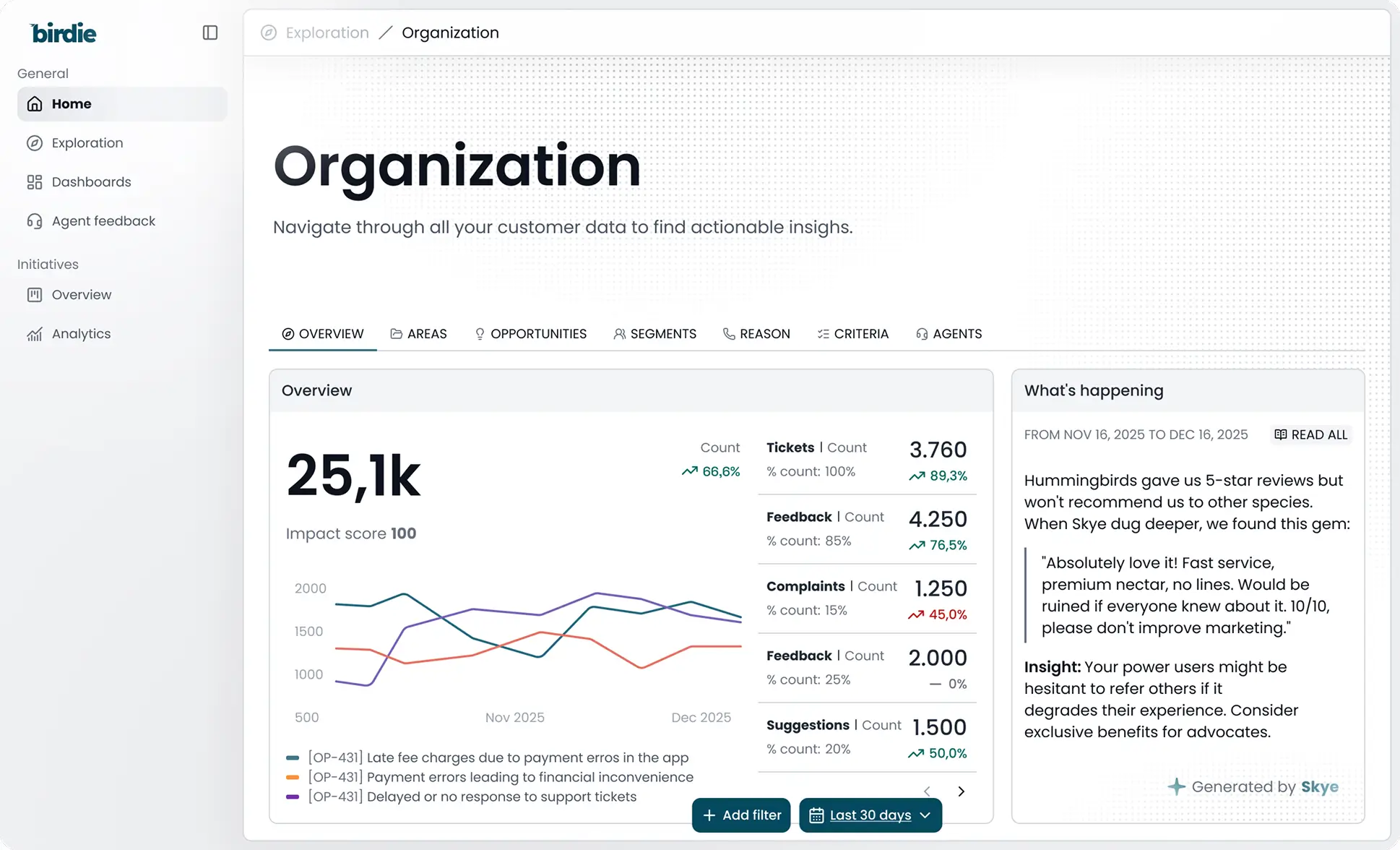








AI-powered Voice of Customer platform that turns feedback into prioritized business actions
Most companies collect feedback. Few have a system to act on it. Birdie organizes Voice of Customer into four continuous steps:
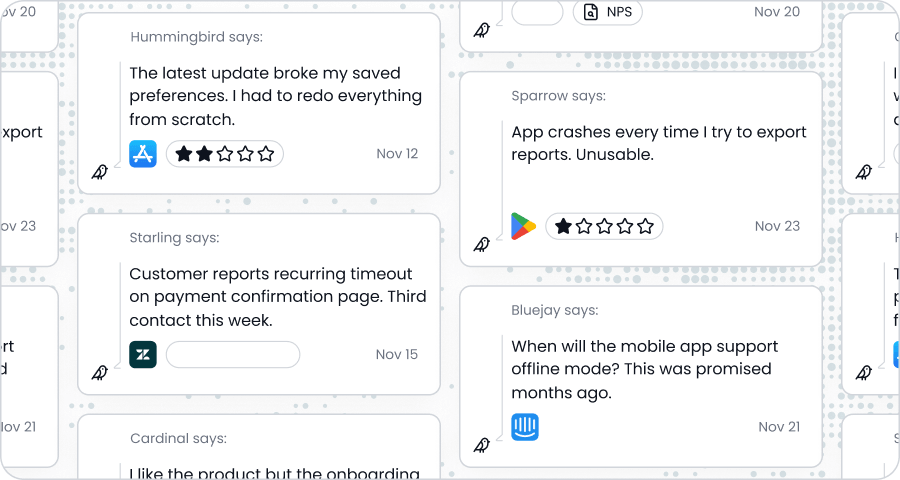
Bring every customer signal into one consistent system
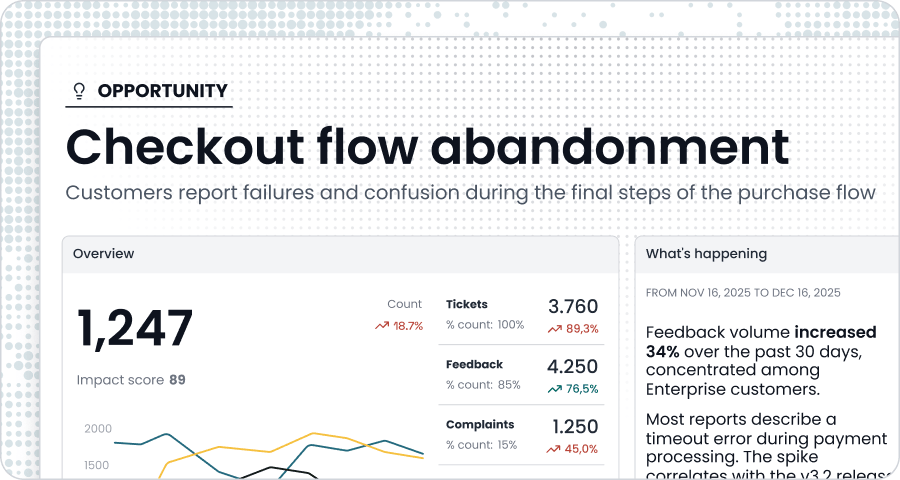
Uncover the issues driving customer dissatisfaction
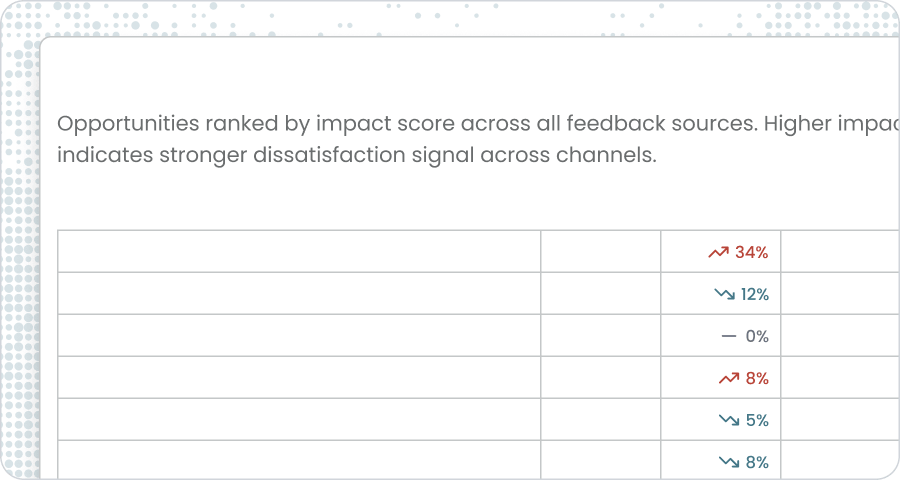
Focus on improvements that matter
Understand what actually improved over time.
Explore and operate the system
Birdie provides multiple ways to explore customer signals, investigate issues, and turn VoC insights into action — from AI-assisted questions to real-time monitoring.

Centralize & Equalize
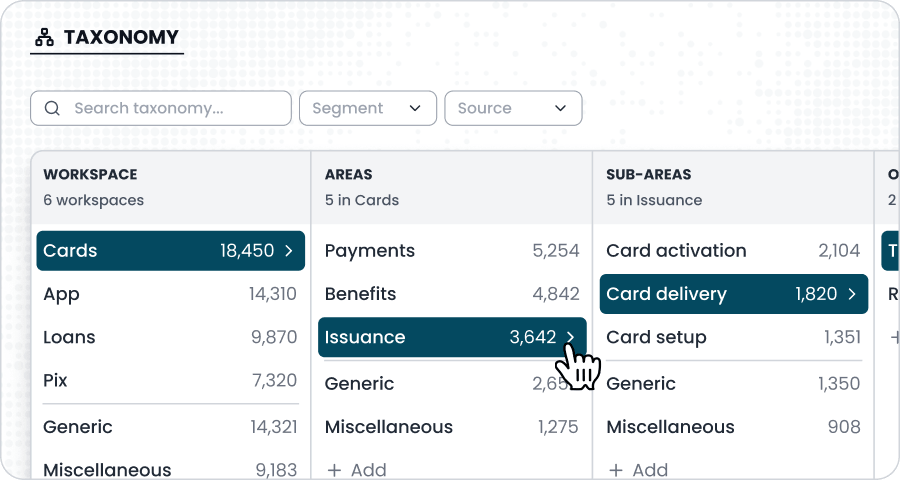
Manage your taxonomy with transparency
Maintain full visibility and control over how customer feedback is structured. Review, refine, and evolve your taxonomy as new signals emerge so insights stay aligned with business reality.
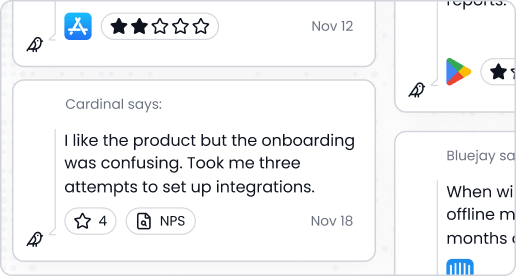
Unify feedback from every channel in one place, from surveys and reviews to support tickets, chats, and calls, so teams can analyze the full voice of the customer.
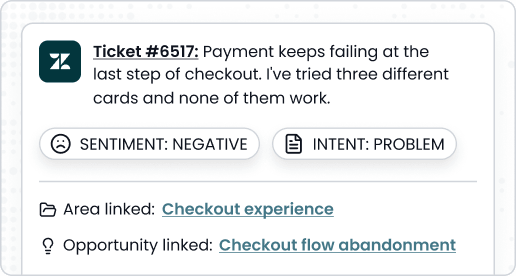
Equalize feedback across channels, formats, and teams to create consistent intelligence you can trust for reporting, prioritization, and decision-making.
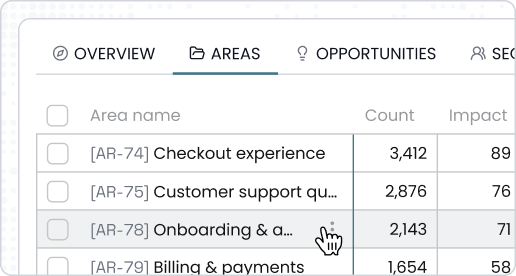
Create a shared foundation for CX, Product, and Operations with one consistent view of customer feedback, issues, and opportunities across the business.

Identify & Rank
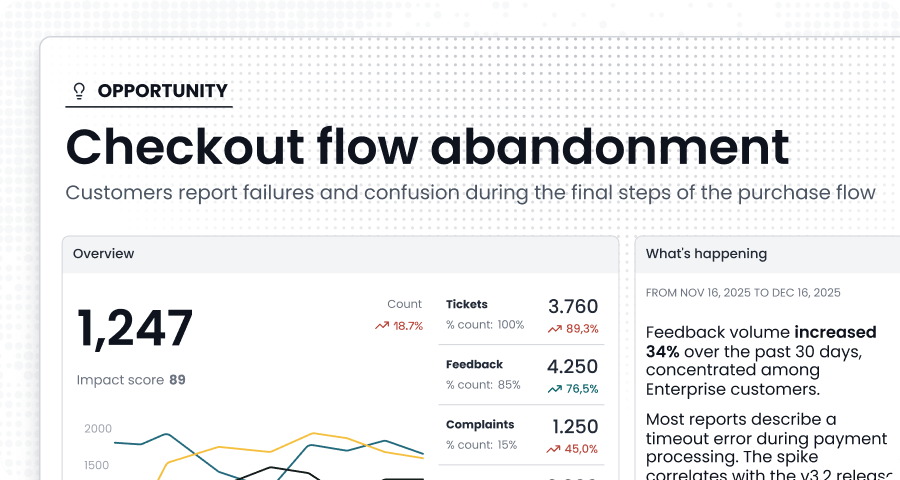
Understand opportunities and root causes
Group customer signals into clear opportunities and uncover the root causes behind each issue, including what is happening, why it happens, and how often it appears.
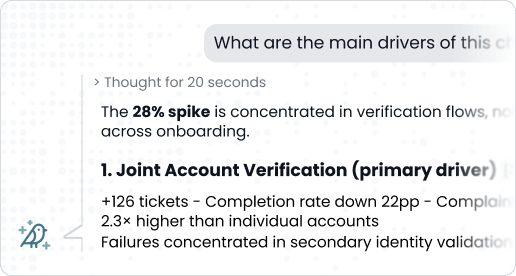
Use Skye, Birdie’s AI assistant, to explore customer signals in seconds. Ask about churn, NPS drivers, or priorities and get instant answers across all your data.
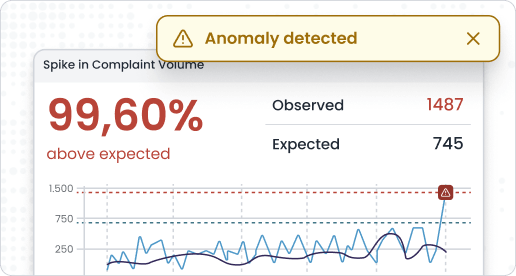
Continuously monitor customer signals and receive automated digests or alerts when new issues emerge, problems grow, or anomalies and spikes are detected.
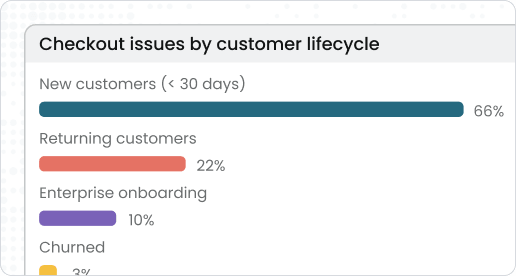
Analyze issues across customer segments, lifecycle stages, product usage, and churn risk to understand where impact is highest and where to focus next.

Prioritize & Act
Stack-rank opportunities by impact
Prioritize the opportunities most likely to affect churn, revenue, and cost-to-serve so teams can focus on the actions that drive the biggest business impact.


Convert opportunities into structured initiatives and track progress across teams, creating a clear link between customer feedback and operational action.

Direct the right opportunities to CX, Product, Support, or Operations so the teams closest to the issue can act faster, with better precision and with clear ownership.

Use AI to turn customer insights into measurable hypotheses, estimate potential impact, and monitor the signals that validate the hypothesis over time.

Measure Impact
Monitor experience over time
Track how customer experience evolves as teams launch improvements, with continuous monitoring of trends, emerging issues, and changes in key metrics.
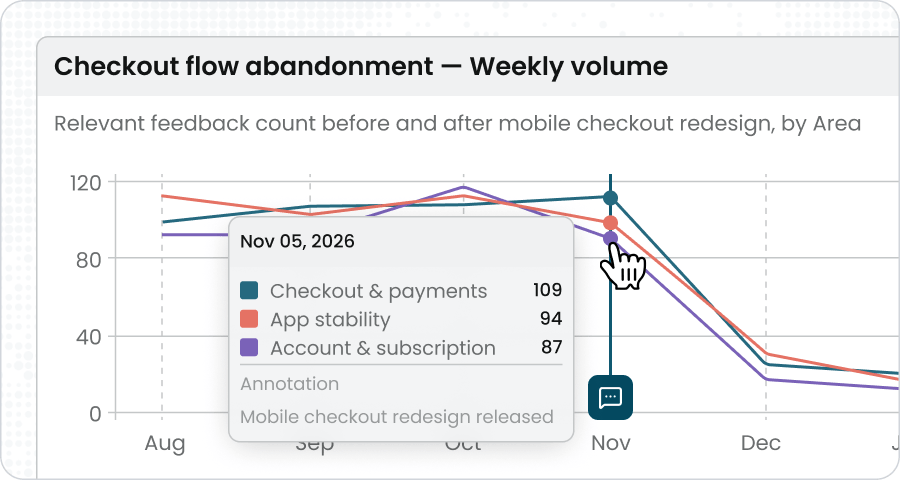

Create dashboards tailored to each team so CX, Product, and Operations can monitor and act on the customer signals and KPIs that actually matter to them.
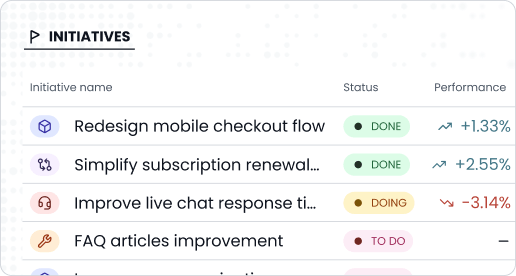
Measure the business value of each initiative by connecting actions taken to shifts in customer sentiment, churn risk, retention, and operational performance.

Show how better experience influence customer and business outcomes by tying feedback trends to metrics like churn, revenue, NPS, and cost-to-serve.
Close the loop with Agent QA
Turn quality into a strategic system that improves customer experience and operational performance by connecting agents with voice-of-customer insights.
Integrate the Systems Behind Customer Experience
Connect feedback, behavior, customer profiles, and operational systems to create a complete view of customer experience.
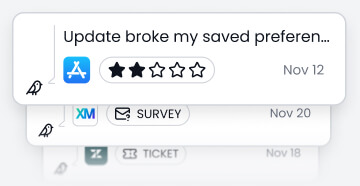
Bring in signals from surveys, support conversations, reviews, and community channels to understand what customers are saying across every touchpoint.
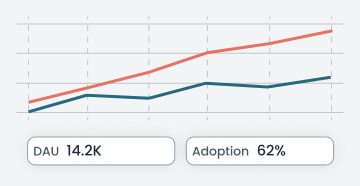
Connect product usage and behavioral analytics to understand how customers actually interact with your product.
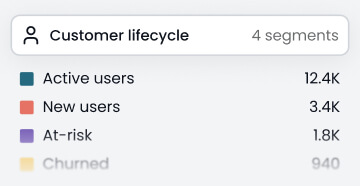
Enrich signals with customer attributes like segments, lifecycle stage, revenue, and account data to understand who is affected by each issue.
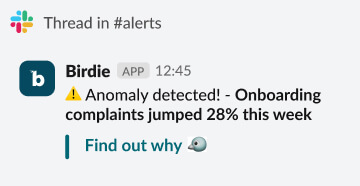
Send insights and initiatives directly into execution systems so teams can act without leaving their workflows.

